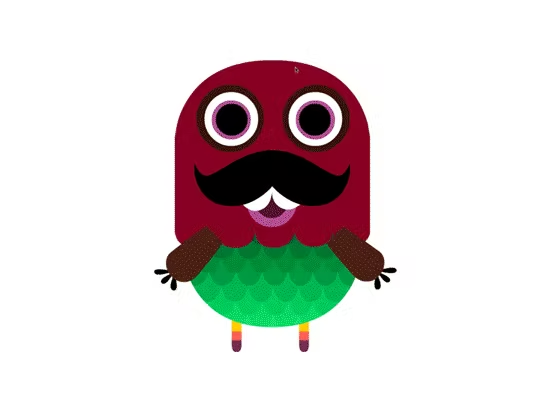
Use a PC or laptop to play – This is a fantastic new way of presenting letters and sounds to children, with added monsters!
Important: The flashcards are for use on an interactive whiteboard or a computer only (not compatible with tablets or smartphones).
More about these interactive phonics flashcards:
- Cover the earliest letter-sounds that children are introduced to: s, a, t, p, i, n, m, d, g, o, c, k, ck, e, u, r, h, b, f, ff l, ll ss, j, v, w, x, y, z, zz
- Allow selection of specific graphemes to revisit and review with children.
- Provide additional prompts in the form of a picture and/or an articulated phoneme, as needed.
- A monster pops up with every card to help maintain children’s engagement.
Multiple uses:
- Can be used on a one-to-one basis, with a group, with the whole class or independently.
- It can be used in school by the teacher, a teaching assistant, children working together, or parents at home who wish to support their children’s learning.
- It can be used to revisit and review previously learnt graphemes, or as part of the teaching sequence when introducing a new grapheme.
- It can be used for generating graphemes for games such as Bingo.
How to use the flashcards:
Just select the graphemes you’d like to show, and click the tick to get started.
The graphemes will appear on screen in a random order. You can move on to the next grapheme by tapping the screen.
Some additional features:
- Click on the image button to show a related picture.
- Click on the sound button to repeat the sound.
- Click the tick in the bottom-left corner to remove the grapheme from circulation so it won’t appear again in this set.
Looking for printable phonics flashcards? Check out our printable resources.